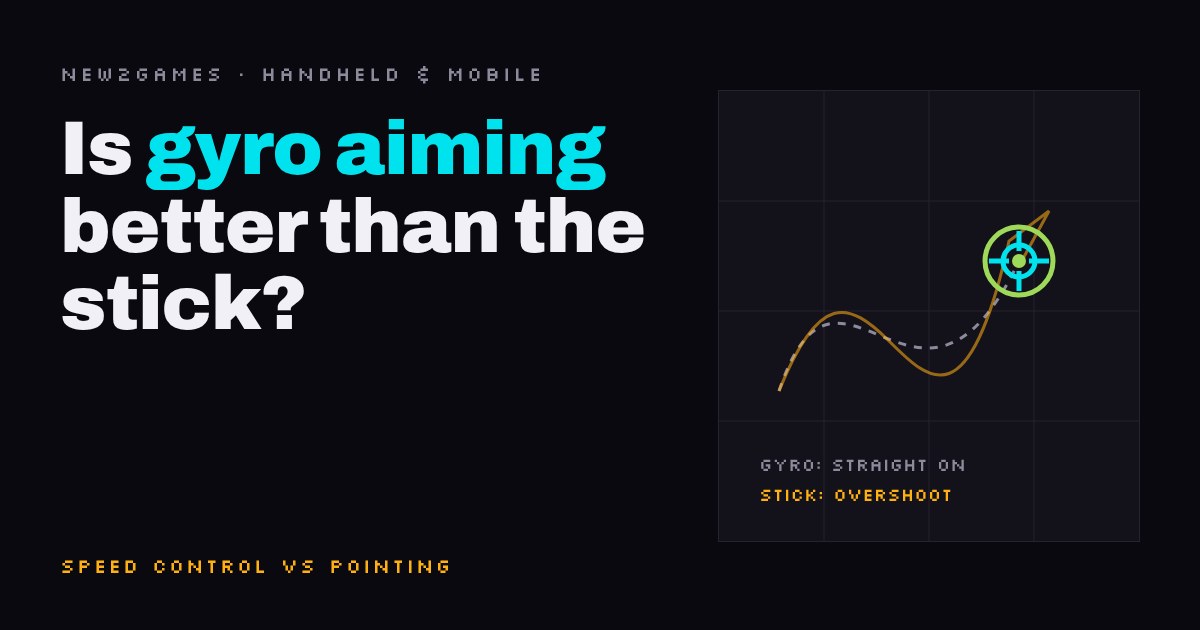
For most people, yes: gyro aim moves the crosshair as you tilt the controller, while a stick only sets turning speed, so stopping on target is harder.
The best setup uses both: the stick for big turns, your wrists for the last few degrees. This guide explains why a stick overshoots, lets you feel speed control versus position control in a drag-to-aim demo, and shows where to try gyro today: Splatoon 3 (on by default), Metroid Prime Remastered's Pointer and Hybrid schemes, and the Steam Deck's built-in motion sensor. Plus starting settings, and who should stick with the stick.
▶ Interactive · Is gyro aiming better than using the stick?
For most people, yes: gyro aiming makes fine aim easier than a thumbstick. With gyro, tilting the controller moves the crosshair directly, so your wrist does the pointing it already knows how to do. A stick only sets how fast the camera turns, which makes stopping exactly on a target hard. The best setup uses both: the stick for big turns, gyro for the last few degrees.
If you have played shooters on a controller and felt that your aim always overshoots or creeps, this is the reason, and on a Switch or a Steam Deck the fix is already inside the hardware.
Why a stick makes aiming hard
A thumbstick in a shooter is a speed control. Push it a little and the camera turns slowly; push it all the way and it turns fast. Let go and it stops. To land on a target you have to judge how fast you are turning, how far you still have to go, and when to let go, all at once. Small corrections are the worst part: a tiny push either does nothing (because of the deadzone, the small zone around the stick's centre that the game ignores) or moves too far.
In difficulty terms this is pure Execution: timing and precision with your thumb. It is learnable, but it is a skill you build only for this. That is also why games add aim assist for controller players; new2gaming explains how that works in What is aim assist?. For how deadzones feel in a different genre, see our guide to controller steering settings for racing games.
What gyro changes
A gyro (gyroscope) is a motion sensor that measures how the controller rotates. With gyro aiming on, turning the controller a little turns the camera a little, and when your hand stops, the aim stops. That is a position control, like pointing at something across the room. You don't have to plan when to let go, because there is nothing to let go of.
It is still Execution, but a kind most people already practise every day. Try the two styles below: drag inside the box to aim, and keep the crosshair on the moving target.
Try both on the fast target. With the stick, the crosshair tends to overshoot every time the target turns around, because you have to time each release; with gyro, your finger simply follows it. The demo uses a finger instead of a real controller, so treat it as a feel for the idea, not a measurement.
The habit to unlearn
If you have played with sticks for years, your instinct will be to make every turn with your thumb and hold the controller still. With gyro, let the stick do only the big moves (turning to face a new direction) and let small wrist movements do the final aim. The opposite mistake is just as common: trying to spin all the way round by swinging the whole controller. Gyro is for the last few degrees, not for turning around.
The other trick is re-centring. When the controller ends up tilted at an awkward angle, you need a way to reset it, the way you lift a mouse off the desk. Games handle this differently: some give you a button that turns gyro off while you hold it, others a button that snaps the camera back.
Where to try it
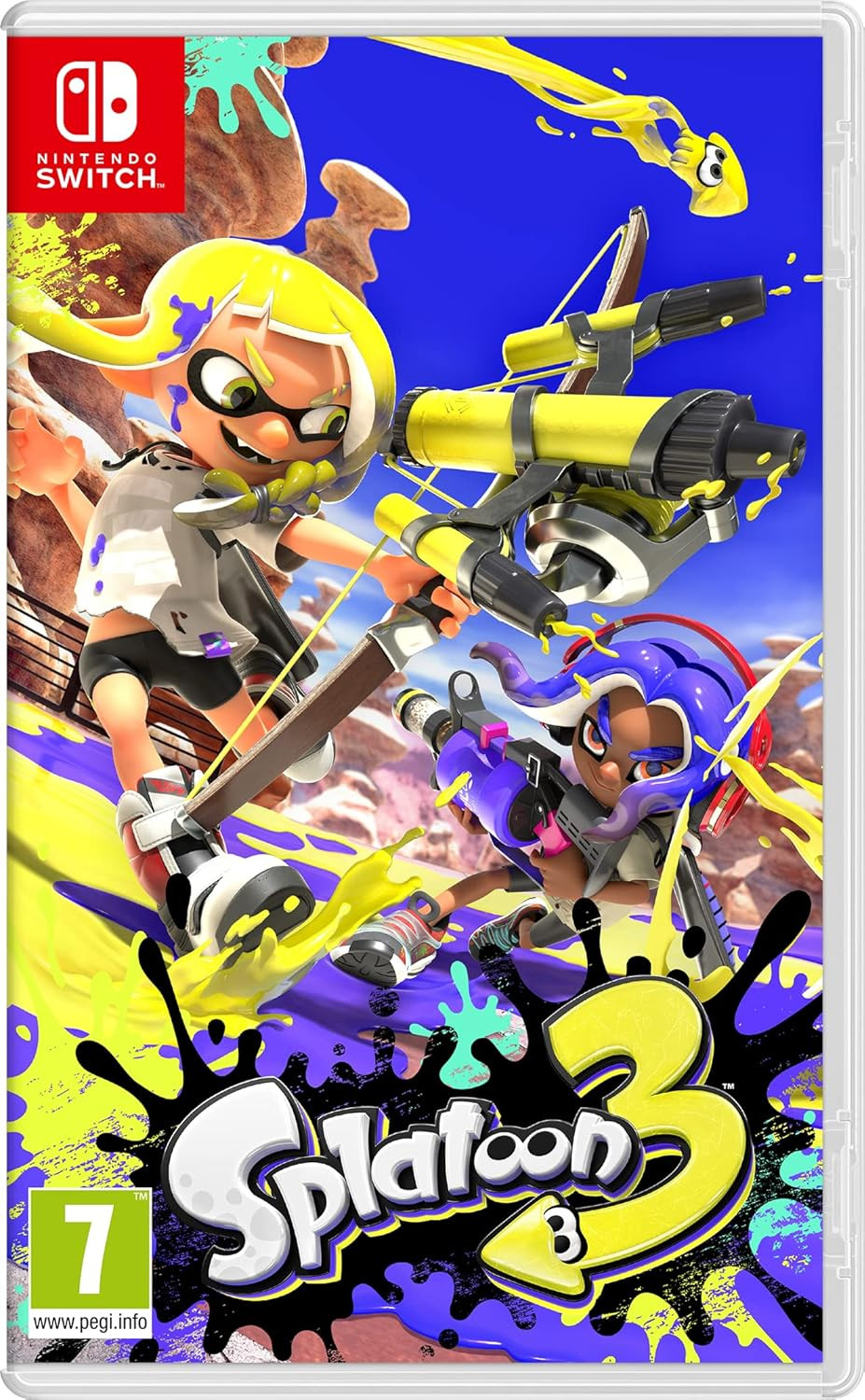
Splatoon 3 is the easiest place to start, because motion controls are on by default. With them on, the right stick still turns you left and right, but up and down comes only from tilting the controller, and pressing Y re-centres the camera behind your character. Sensitivity can be set separately for handheld and docked play (Prima Games walks through the settings).
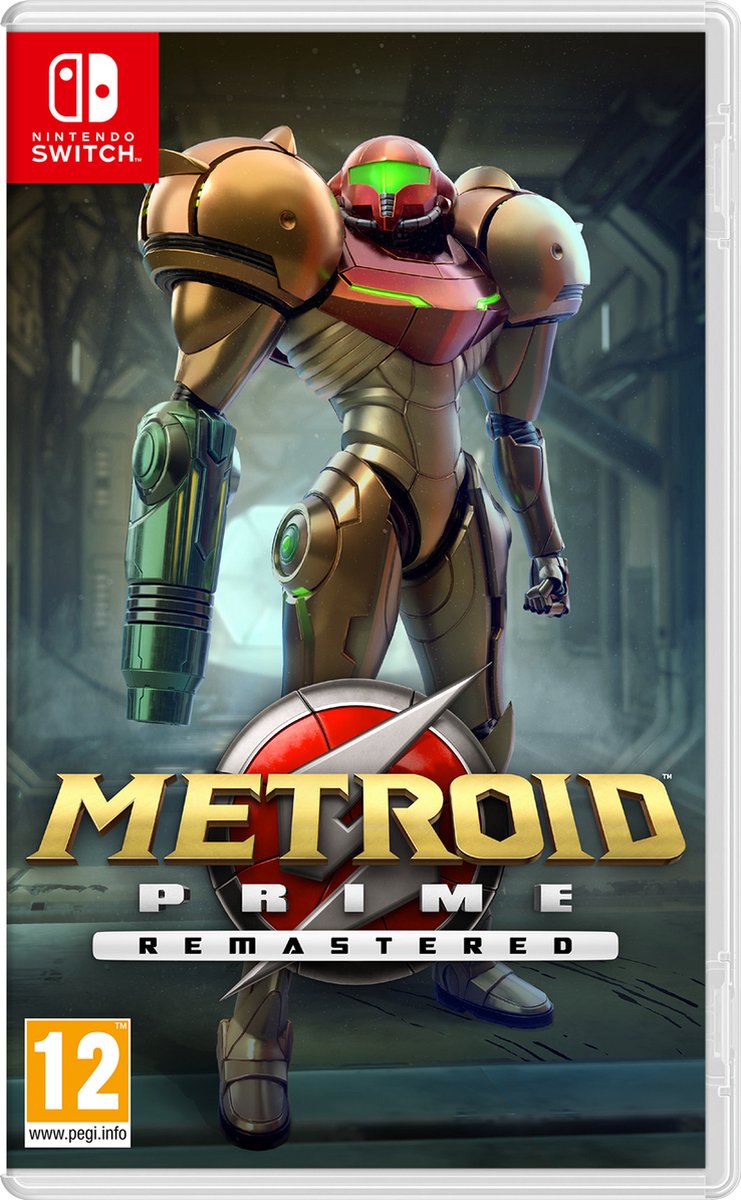
Metroid Prime Remastered is slower and kinder for practice: there is no other player to out-aim, and enemies give you time. It starts on Dual Stick controls, but you can switch to Pointer (aim by moving the controller) or Hybrid, where holding ZR switches motion aiming on, so gyro is only active while you aim (all four schemes explained).
On a Steam Deck, the gyro is built in: Valve lists a 6-axis IMU (a motion sensor that includes a gyroscope) and analog sticks with capacitive touch, meaning they can tell when your thumb is resting on them (Steam Deck tech specs). Steam Input can turn gyro into mouse-style aiming even in games that never planned for it, and lets you choose a button or touch that switches gyro on or holds it off; Valve reworked this "Gyro To Mouse" mode in a 2023 update (GamingOnLinux summary).
Settings to start with
Start with sensitivity on the low side: a big wrist turn should move the aim a small amount, so your hand learns that small means precise. Change one setting at a time, and give it a couple of short sessions before you judge it. The first ten minutes always feel strange, because your thumb still expects to do the work.
Who this is for, and who should skip it
Gyro suits anyone who feels their stick aim is "almost there" and anyone new to shooters on a handheld, because there is no thumb skill to build first. It suits people less if holding a controller still is tiring or uncomfortable, if your hands shake, or if you play lying down at odd angles: all of these feed straight into the aim. In that case a stick with aim assist may well be the better choice, and there is nothing wrong with that.
Quick answers
Is gyro aiming cheating?
No: it is an official control option in the games that offer it, and it does nothing on its own; you still aim.
Do I have to stop using the stick?
No, the usual approach is both: the stick for big turns and gyro for the final adjustment.
Does the Steam Deck have gyro?
Yes, it has a built-in motion sensor, and Steam Input can map it to aiming in many games, including ones that never planned for gyro.
Next step: load a game with gyro, set sensitivity low, and spend one short session aiming only the last few degrees with your wrists. Splatoon 3's test range, where you shoot practice targets, is a good place, because there is no one to lose to while you learn.
Loadout · gear used
Affiliate links, marked sponsored. We may earn a commission at no extra cost to you. Examples that match this guide, not tested reviews. Prices checked 1 Nov; every shop and live prices are on each product page.