Why do rhythm games feel off on your phone?
Rhythm games feel off on phones because of delay: Bluetooth makes the music late and taps take time to register. The offset setting cancels it.
There are two delays, so many games give you two dials: audio offset lines the notes up with the music, input offset moves the window your taps are judged in. Tap along in our calibrator to see your own lean, then follow five steps to calibrate any rhythm game properly.
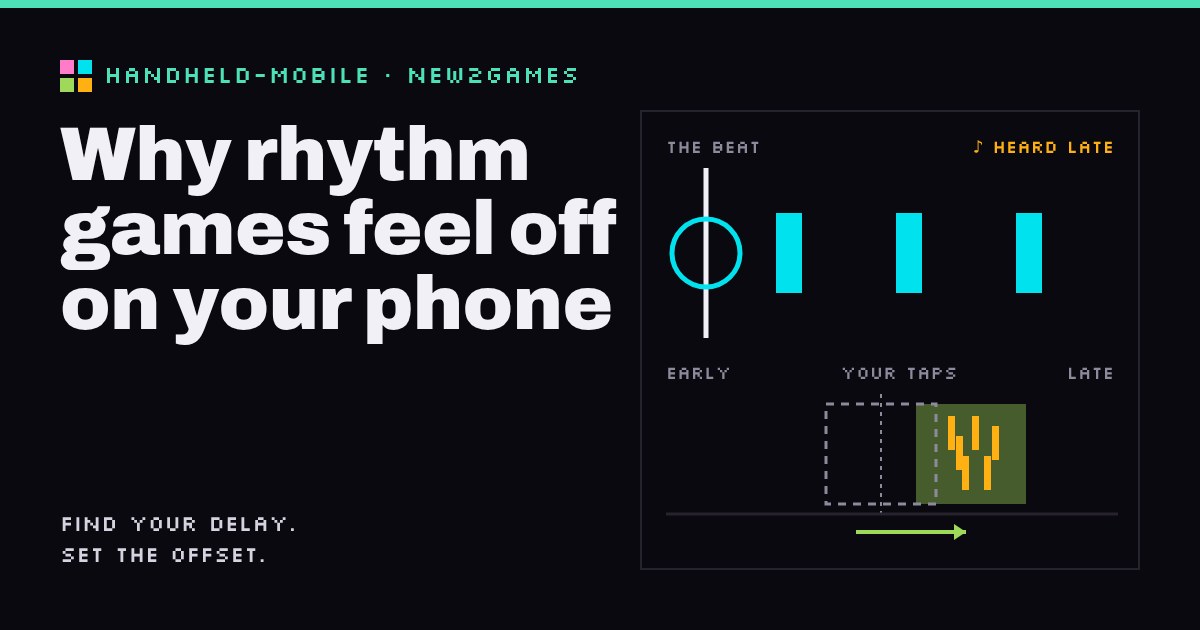
If a rhythm game feels "off" on your phone, the usual cause is delay: the music reaches your ears late (Bluetooth headphones are the big one) and your taps take a moment to register. Rhythm games have an offset or calibration setting built to cancel exactly this, and setting it properly takes about five minutes. The trick is knowing there are two different delays, and that many games give you a separate dial for each.
So if the game keeps calling you "late" on notes you were sure you nailed, your sense of rhythm is probably fine. Your setup needs tuning.
Two clocks that drift apart
On this site we describe difficulty by its sources rather than one score, and rhythm games are almost pure Execution: timing and precision. The game compares the moment your tap registers with the moment the note was due, and grades the gap. Those grades are strict. In osu!, at a common mid-to-high difficulty setting (Overall Difficulty 8), the top "300" grade allows about 32 ms either side of the beat, going by the formula in the osu! wiki. That is roughly a thirtieth of a second.
Now look at what sits between the game and you:
- The sound path. The phone buffers audio before playing it; with Bluetooth it is also compressed, sent by radio and decoded in the earbuds. When SoundGuys measured Android phones in 2021, total Bluetooth delays averaged from about 250 ms to over 480 ms depending on the phone. Newer phones and earbud "gaming modes" do better, but even a fraction of that dwarfs a top-grade window.
- The touch and picture path. Your finger lands, the touchscreen has to notice it, the phone processes it, and the screen shows the result on its next refresh. DXOMARK splits this into touch sensing, processing and display refresh, and notes that sampling and refresh rates are only part of it. It is usually smaller than the Bluetooth delay, but varies by phone.
Then there is you: glass has no click, so it is harder to feel exactly when a tap "happened" than with a button.
What the offset setting actually does
An offset is a time shift, in milliseconds, that the game applies to line things up again. There are two kinds, and they fix different symptoms:
- Audio offset (also called music offset or audio sync) slides the notes relative to the music, so a note crosses the hit line at the moment you hear its beat. It fixes "the notes don't match the song".
- Input offset (also judgement, visual or video offset) slides the judgement window, the span of time in which a tap counts, so a tap that lands consistently late still scores as on time. It fixes "I'm on the beat but the game says late".
Games split this differently. The Clone Hero guide describes an audio offset that syncs notes with the music and a video offset that moves the hit window to absorb display and input lag. Sonolus, a mobile rhythm-game player, has separate device audio and device input offsets. Project Sekai has a single Timing value; SEGA's help page says negative values move the tap point slightly earlier and positive values slightly later. Fortnite Festival's Tune-up covers audio, video and inputs.
Two cautions. Plus and minus don't mean the same thing in every game, so read the setting's description or try a big, obviously wrong value to see which way it moves. And an offset can only cancel a delay that stays the same. If the delay wobbles from moment to moment (SoundGuys also measured that variation), no single number can fix it. Try the idea yourself below.
Tap twenty beats with sound off to see your natural lean. Then turn on sound with the pretend lag and tap to what you hear: your average jumps late by roughly the lag. Press "Use my average" and the green Perfect window slides over your taps. That is all an input offset does. "Wobble" doesn't change: the offset moves the window, it can't tighten your spread.
How to calibrate, step by step
- Lock in your setup first. Use the headphones you'll actually play with, with any earbud gaming mode set the way you'll leave it. Changing either changes the delay.
- Fix audio first. Use the game's calibration screen, or a watch or autoplay mode if it has one, and adjust the audio offset until notes reach the line exactly as the beat sounds. Just watch and listen.
- Then fix input. Play an easy song you know at a comfortable speed and check the early/late counts or accuracy graph on the results screen. If you lean consistently one way, shift the input offset by about that average. Sonolus suggests exactly this: add the graph's mean to your current input offset.
- Use small steps and several songs. One song can mislead you; three that agree won't.
- Recalibrate when anything changes: new earbuds, a new phone, or switching between Bluetooth and wired.
One habit to watch out for, a warning rather than a skill: tapping ahead of the beat to outrun the lag yourself. It works for a while, but you are training your hands to be early, and that follows you to wired headphones and other games. The Sonolus guide even flags an early-tapping habit carried over from other games as a cause of early judgements. Fix the setting, not your hands.
Bluetooth: tune it or work around it
Plenty of players calibrate once and play happily on Bluetooth, because much of the delay is steady. If it still feels mushy afterwards, that's probably the wobble, and the fix is a shorter path: wired headphones (through an adapter if your phone has no jack) or the phone's speaker, which is what the Sonolus guide recommends.
Tap sounds travel the same delayed path, so on Bluetooth they can arrive late and make you feel late when you aren't. If that bothers you, try turning tap sound effects off.
See also: wired or wireless gaming headset: latency and battery on new2gaming.
Quick answers
Do Bluetooth headphones ruin rhythm games?
No, but they add a delay you need to calibrate for, and if they still feel unsteady afterwards, wired headphones or the phone speaker will feel tighter.
What's the difference between audio offset and input offset?
Audio offset lines the notes up with the music you hear; input offset moves the window in which your taps are judged.
Should I recalibrate for every song?
No; calibrate once per device and headphones, and only use a per-song offset if one chart is clearly out of sync.
Your next step: open the rhythm game you play most, find its offset or calibration setting, and run the steps above with the headphones you actually use. Then play one familiar song and check whether the early/late split has evened out.