If you're new to touch controls, use a floating joystick: its centre appears wherever your thumb lands, so nothing moves until you mean it to.
A fixed joystick stays in one spot. It rewards a thumb that always lands in the same place, but every miss reads as a push and thumbs creep over time. This guide explains what an on-screen stick measures, lets you feel fixed, floating and following sticks side by side, and shows where the setting lives in games like Call of Duty: Mobile and Stardew Valley.
▶ Interactive · Fixed or floating joystick in mobile games?
If you're new to touch controls, start with a floating joystick: it puts the stick's centre wherever your thumb lands, so your character never lurches off the moment you touch the screen. A fixed joystick stays in one spot, which rewards a thumb that always lands in the same place. Most players drift between the two without knowing why their movement feels sloppy; the difference is where the game thinks "standing still" is.
What an on-screen stick actually measures
A virtual joystick, the round pad drawn on the left of the screen in most action games on phones, doesn't sense pressure or tilt. It measures one thing: how far your thumb is from the stick's centre, and in which direction. A little off-centre is a slow walk; out at the edge of the ring is full speed.
On a real controller that centre is easy to find. The stick springs back to it, and you can feel the rim with your thumb. Glass has neither. Nothing pushes your thumb back to neutral and nothing tells you where the edge is. So the whole question of fixed versus floating is really: who decides where the centre is, the game or your thumb?
This is execution difficulty, the reflexes-and-precision kind of hard, but it isn't the game's difficulty. It's extra friction the controls add on top. That's why fixing it is worth five minutes in the settings menu.
Fixed: the stick stays put
With a fixed joystick the centre is always the same spot on the screen. The upside is consistency: after a few hours your thumb learns exactly where to land, the same way it learns a key on a keyboard, and full speed in any direction is always the same distance away.
The cost shows up on the first touch. If your thumb lands a little to the right of the centre, the game reads that as a push to the right before you've meant to move at all. Then, as you play, your thumb tends to creep, because nothing pulls it back. A stick held "straight up" slowly turns into "up and a bit right", and your character walks in a curve.
Floating: the stick comes to your thumb
With a floating joystick, wherever you touch down (usually anywhere on the left part of the screen) becomes the centre. Your first contact always reads as zero, so there's no lurch, and you never miss the stick because there is nothing to miss.
The trade-off is that neutral moves every time you lift your thumb. If you're used to flicking to a spot for "full speed forward", that spot is now somewhere different each time. Some games add a third behaviour, often called a following or dynamic stick: if your thumb slides past the edge of the ring, the centre is dragged along behind it, so you can't run out of stick. Try all three below.
In Fixed mode, press a finger's width to the side of the ring and the dot sets off before you've moved. Sloppy thumb replays a typical miss: the thumb lands off-centre, then slides straight up. Fixed turns that into a diagonal walk; Floating walks straight up, because the miss became the new centre.
Where you'll find the setting
Names vary, so look in the controls or layout menu for words like "fixed", "floating", "dynamic" or "invisible joystick". Two examples:
Call of Duty: Mobile has a Fixed Joystick option. With it on, the movement stick stays in one place; with it off, the stick moves to wherever you press on the left side of the screen. The same menu has Joystick Sprint, which makes you sprint while you keep the stick pushed forward, and a custom layout screen that changes the size and opacity of on-screen controls and can even move the joystick.
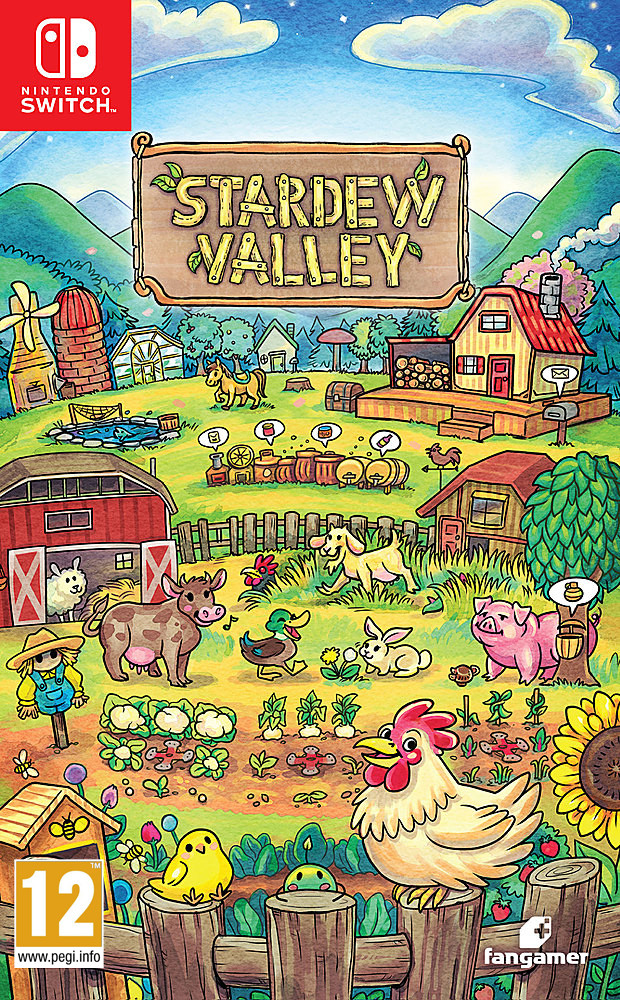
Stardew Valley on phones defaults to tap-to-move with auto-attack: tap where you want to walk and the farmer goes there. Its Invisible Joystick schemes are the floating kind: tap anywhere on the left half of the screen and that spot becomes the centre of the stick. You pick a scheme from a dropdown in the Options tab.
Which should you pick?
Here's the case for starting floating, and it's an argument rather than a rule. Most beginner movement problems on phones come from the first touch and from thumb creep, and a floating stick removes both, because neutral is wherever you are. Fixed asks you to build a habit first; floating works on day one.
The strongest counter-view: players who put hundreds of hours into one game often prefer fixed, because a stick that never moves lets their thumb learn exact distances, and a forward sprint like Call of Duty: Mobile's is always the same push. If that's you, fixed is a fair choice. Just make it easy on your thumb:
Move the stick to where your thumb already rests while you hold the phone, not where the default layout puts it.
Make it bigger if the game allows. A larger ring means the same thumb wobble is a smaller share of the push.
Lift and re-touch when your movement starts curving. On a floating stick that resets neutral instantly; on a fixed one it lets your thumb find the centre again.
And if no setting feels right, a mobile controller that clips around the phone gives you a stick with a real centre. Not every game supports one, so check first; Call of Duty: Mobile has its own controller settings. If you're aiming as well as moving, gyro is worth a look too: see is gyro aiming better than using the stick?
Who this is for, and who can skip it
It's for anyone whose character wanders, stutters or sets off on its own in a touch game. If you play mostly tap-to-move games, or always use a controller, you can skip it.
Quick answers
What is a floating joystick?
An on-screen stick whose centre appears wherever your thumb first touches, instead of in one fixed spot.
Why does my character move when I first touch the screen?
Your thumb landed off the centre of a fixed stick, and the game read that gap as a push.
Is fixed or floating better for shooters?
Floating is easier to start with; fixed suits players who want one consistent thumb position and will practise it.
Loadout · gear used
Affiliate links, marked sponsored. We may earn a commission at no extra cost to you. Examples that match this guide, not tested reviews. Prices checked 17 Nov; every shop and live prices are on each product page.
On phones, Stardew Valley's Invisible Joystick schemes are the floating kind this article describes. On Switch you play it on a physical stick with a real centre, so the touch problem goes away.